







 Getting Ready
- 18:00 (GMT + 8)
21:00 / 23:00 (GMT + 8) - Closed
20:00 ~ 21:00 (GMT + 8) - Closed
20:00 ~ 21:00 (GMT + 8) 
| Update Server |
|
| Login Server |
|
| Game Server |
|

 
Download the ROW client and install it on your PC..
  Click the download banner to download the ROW Full Version client. Click the download banner to download the ROW Full Version client.  Select and launch the ROW Full version client to begin the installation procedure. Select and launch the ROW Full version client to begin the installation procedure.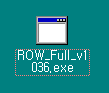  Click on 'Next>' to continue. Click on 'Next>' to continue.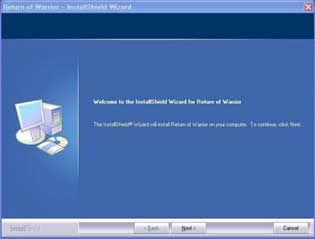  Designate a patch where the ROW is to be installed. Designate a patch where the ROW is to be installed.(Default path is C:\Program Files\Youxiland\ROW)
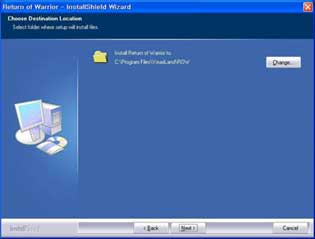  Click on 'Next>' to begin the actual installation. Click on 'Next>' to begin the actual installation.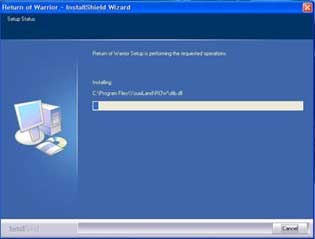  Click on 'Finish' to exit the installation program. Click on 'Finish' to exit the installation program.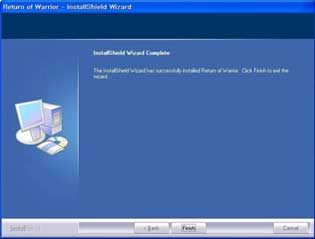  Download the This Patch : PATCH. Then Place the Login.dat to you RYL install directory. Download the This Patch : PATCH. Then Place the Login.dat to you RYL install directory. After Patching with Login.dat, Open Login.exe and Press the File Check button to autodate to MMOwebs settings. After Patching with Login.dat, Open Login.exe and Press the File Check button to autodate to MMOwebs settings. |